 Today's Deal
Amazon Deals
Today's Deal
Amazon Deals
 Today's Deal
Amazon Deals
Today's Deal
Amazon Deals
 popular
 1
1
Views Today
 1
1
Favorites Today





Business Name: taiyuansanyuanhengshengwaimaojinchukouzonghefuwuyo

Business Address: 27号时代广场科宇信息产业大厦8层, A1、2、4、6、8号秦贾合鑫众创空间第8157号工位, 转型综合改革示范区, 学府产业园创业街, 山西, 030000, CN

Business Size: Micro
The Minifire 27 Inch Gaming Monitor is a captivating addition to the gaming world, renowned for its premium curved design. With a 160Hz refresh rate and a vivid sRGB 130% FHD display, this monitor promises an immersive gaming experience. It’s tailored for gamers who seek quality performance at a budget-friendly price. But what sets this monitor apart, and why is it gaining traction among gaming enthusiasts?
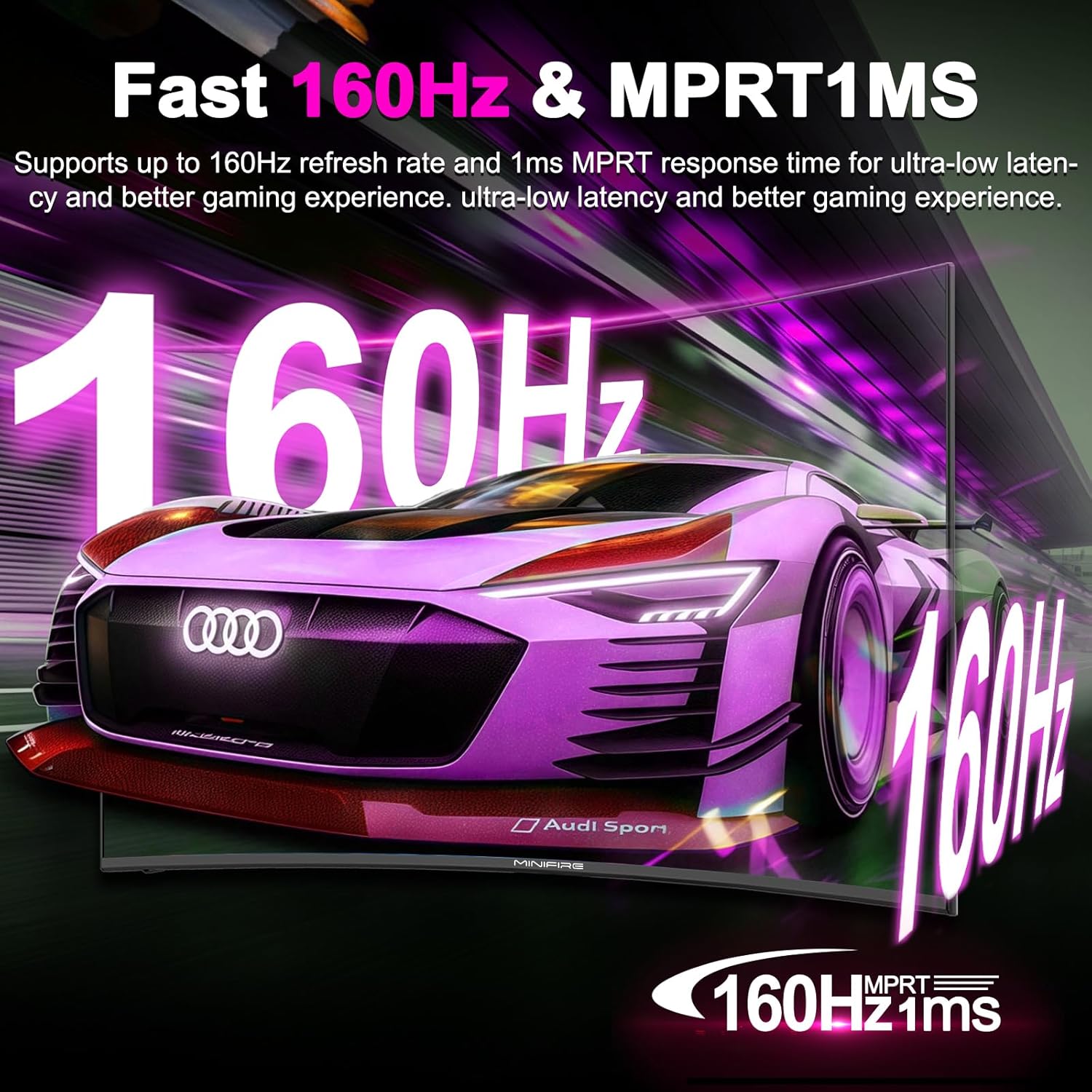
Choosing the Minifire 27 Inch Gaming Monitor means you’re investing in high-quality visuals and fast-paced gaming performance. The advanced 1500R curvature of the screen is designed to offer a more encompassing field of view, reducing eye strain during prolonged usage. The rapid 1ms response time ensures minimal lag, crucial for competitive gaming. Coupled with eye-friendly features and Adaptive Sync technology, this monitor creates a seamless and comfortable gaming experience, making it a worthy contender for your gaming setup.
Yes, the Minifire 27 Inch Gaming Monitor presents a fantastic value for its price of $89.24. While some reviewers mention the build quality as somewhat flimsy, the exceptional screen performance and vivid colors make it a worthwhile purchase. For gamers looking to balance budget constraints with high functionality, this monitor offers the best of both worlds. It's a cost-effective way to enhance your gaming without compromising on essential graphical features.
Opting for the Minifire Gaming Monitor means prioritizing high refresh rates and superior color reproduction. Whether you’re into fast-paced shooter games or detailed RPGs, this monitor offers the refresh rate and response time essential for a smooth gaming experience. Its 160Hz refresh rate significantly reduces motion blur and screen tearing, enhancing overall gameplay. For anyone looking to elevate their gaming station without overspending, the Minifire monitor is a compelling choice.
The monitor boasts a plethora of features that cater directly to heavy gamers. Besides the impressive 160Hz refresh rate, it includes a 1ms response time to ensure no input lag interferes with your gaming precision. Its 1500R curvature is designed ergonomically to match the human eye’s natural curvature, offering comfort during extended sessions. Furthermore, the monitor’s 130% sRGB display brings life-like colors, crucial for gamers who appreciate detailed environments.
Performance enhancement with the Minifire monitor is evident from its first use. The Adaptive Sync technology ensures smooth frame rates across gaming titles, eliminating annoying stutters and ghosting effects. Meanwhile, the vivid color display delivers every shade and hue accurately, which is pivotal for both gaming and multimedia purposes. These elements come together to create a dynamic and responsive performance usually found in higher-priced monitors.
The Minifire 27 Inch Gaming Monitor excels particularly with fast-paced games like shooter and racing genres. Its exceptional refresh rate and rapid response time make it ideal for games where split-second decisions are vital. Additionally, strategy games and MMOs also benefit from the monitor's sharp and vibrant colors, providing visual clarity that enhances gameplay immersion. Ultimately, the monitor supports versatility across various gaming styles.
If you’ve been experiencing lag or screen tearing with your current setup, transitioning to the Minifire 27 Inch Gaming Monitor can offer immediate improvements. Additionally, its affordability means that it’s a great option for holiday sales or when setting up a new gaming station on a budget. Consider upgrading when you’re ready to experience high refresh rates and need to lessen eye strain during long gaming sessions.
The Minifire monitor can be set up seamlessly in any gaming environment thanks to its VESA mount compatibility. This allows for easy wall mounting to save desk space in smaller rooms. Ensure that the monitor is placed in a location where it cannot be easily toppled, safeguarding against accidental damage. Its curved structure is designed to enhance desktop setups, increasing visual comfort when placed at eye level.
With a current price listing of $89.24, the Minifire 27 Inch Gaming Monitor is an attractive proposition for budget-conscious gamers. Given its premium features at an entry-level cost, this monitor is an exceptional offer. Its cost-effectiveness is matched by performance qualities typically associated with higher-priced devices, reflecting its value as a wise investment for quality gaming experiences.
The Minifire 27 Inch Gaming Monitor supports versatile connectivity options, ensuring seamless integration within multi-monitor gaming setups. It’s primarily equipped with HDMI, making it easy to link more monitors using a compatible graphics card and software. For avid gamers choosing dual or triple monitor configurations, the Minifire's display consistency across linked screens enhances a panoramic gaming experience.
Reviews for the Minifire monitor highlight its incredible value for the price point. Buyers emphasize its high refresh rate and vibrant colors, commending it for delivering as advertised. Some critiques points out the seemingly flimsy construction, but most agree the screen's performance outweighs any physical drawbacks. Each review confirms that when positioned correctly in stationary setups, the movie-like color and responsiveness make the Minifire stand out within its price range.
Upon technical analysis, the Minifire 27 Inch Gaming Monitor exhibits high-grade specifications ideal for gaming. The 1500R curvature matches well with typical gaming viewership, offering comfort over extended hours. Its 160Hz refresh rate and 1ms response time strike the balance needed for real-time gaming responses. Despite some physical build limitations, the overall technical design focuses on ensuring gaming performance remains top-notch.
Potential buyers frequently ask if the Minifire Monitor is suitable for both professional and recreational use. Yes, it performs beautifully with gaming and general desktop tasks. Other questions about its VESA compatibility receive affirmative responses, ensuring that it fits well into custom setups. Finally, users often query about connectivity, and HDMI along with adaptive sync make it compatible with various platforms and graphics cards.
In conclusion, the Minifire 27 Inch Gaming Monitor offers exceptional value and features that are ideal for gamers on a budget. The premium quality visuals combined with a fast refresh rate offer outstanding performance necessary for modern gaming demands. While it may present some minor physical assembly concerns, its screen quality, adaptive sync capability, and ergonomic curvature justify its investment, creating a compelling proposition for gamers worldwide.
For gamers seeking to enhance their setup without the financial commitment of high-end monitors, the Minifire 27 Inch Gaming Monitor represents an opportunity worth seizing. Its high technical specifications and immersive screen experience cater perfectly to a variety of games and setups. The user reviews and technical benefits provide compelling reasons to consider it as your next screen upgrade, delivering advanced gaming experiences without exceeding budget constraints.
Only In TestMarket
Average rating
 5
5
11
4
4
3
0
2
0
1
0


 Facebook
 Twitter
 Linkedin
 Reddit
 27 Inch FHD/160hz/VA&media=https://testmarket.io/storage/deal/amazon/2026-01-16/4ac9320c7cae339328127bd668ab7928.jpg) Pinterest
Pinterest


Lily Rivera
Aug 02, 2025
I took a chance on the Exceptional Minifire monitor considering its low price and high specs, and it’s been largely impressive. The vivid colors and the responsive display are quite engaging during gameplay or streaming. Setup was fairly simple though the stand's construction left me a bit wary. However, the curve of the screen does an excellent job of drawing the viewer into the content.
It’s crucial to ensure it's placed safely due to its lightweight frame, but for the cost, rarely will you find a monitor delivering both responsive performance and vibrant colors like this one.
Shipping
Item Quality
Customer Service
Packaging
Amelia Perez
Jul 28, 2025
I gifted this Exceptional Minifire monitor to my cousin for his birthday, and he’s been raving about how it's improved his gaming experience. The setup was fairly manageable, but getting the balance right required some patience. However, it delivers when it comes to graphics with 130% sRGB display creating vibrant and accurate colors.
The refresh rate is more than ideal for the shooter games he enjoys. It may require careful handling with its somewhat fragile build, but he insists the performance is worth it. A practical choice for any casual gamer looking for enhanced visuals.
Review 15:
Shipping
Item Quality
Customer Service
Packaging
Levi Scott
Jul 27, 2025
When I first set up the Minifire monitor, I noticed its curvature offering a wide field of view, making gaming sessions especially immersive. The monitor itself felt lightweight during assembly, but it stands its ground in performance with its vivid screen and snappy refresh rate. I use it daily, not just for gaming but browsing and watching videos—I was pleasantly surprised by how well it handles each activity. Although it lacks sturdiness in the frame, the visual performance overcomes that flaw.
It's a decent buy for those needing solid gaming performance on a budget. Review 14:
Shipping
Item Quality
Customer Service
Packaging
Lucas Cooper
Jul 30, 2025
I am amazed by the features packed into the Exceptional Minifire Gaming Monitor for such a reasonable cost. The deep contrasts and swift refresh rate caught my immediate attention as it brought my games to life. Even with its minor structural shortcomings, the color display capability is astounding, making this an ideal monitor for gaming and streaming.
I haven't experienced any screen tearing thanks to the adaptive sync technology. For anyone needing high performance without the high price, this monitor is a worthy consideration. Review 13:
Shipping
Item Quality
Customer Service
Packaging
Emma Brooks
Jul 29, 2025
Recommended
The Minifire curved gaming monitor has served me well in minimal desk space without feeling overwhelming. Installing the unit was straightforward; the instructions were easy to follow. The 160Hz refresh rate felt like a game changer from the start, noticeably improving my gaming fluidity.
The pre-calibrated color settings are rich in depth, and the 1080P resolution is more than ample for my needs. Although the stand could benefit from added robustness, it hasn’t been an issue in practice. Would definitely recommend for someone on a budget who needs a reliable gaming monitor.
Review 12:
Shipping
Item Quality
Customer Service
Packaging
Harper Bennett
Jul 29, 2025
Recommended
My experience with the Minifire 27-inch monitor has been mostly positive. The quick response time of 1ms stands out, allowing me to enjoy smooth visuals without hiccups. It's adding vibrancy to my everyday computing with the vivid sRGB coverage. While assembling, I handled with care given the flimsy appearance, but overall, it’s stable in use.
Gaming and regular tasks are both made enjoyable with this monitor’s attributes. A terrific deal for its cost, though I recommend securing it firmly to avoid tipping. Review 11:
Shipping
Item Quality
Customer Service
Packaging
Ryan Stewart
Jul 26, 2025
This Exceptional Minifire Monitor is an unexpected gem given its price point. The screen setup felt a bit delicate, and the stand doesn't exude a lot of confidence, but once in place, the 160Hz refresh rate shines. The FHD display paired with the 1500R curve is mesmerizing for games and streaming alike.
I didn’t need to adjust any settings post-setup as it already had optimized display settings. The colors are rich, and I love how it reduces eye strain. It’s packed with enough capabilities to satisfy gamers on a budget, ensuring minimal sacrifices on performance.
Review 10:
Shipping
Item Quality
Customer Service
Packaging
Lucas Stewart
Jul 27, 2025
I am thoroughly pleased with my Minifire monitor where it counts. The assembly instructions were clear, but I was cautious with the stand. The real test, however, was in its gaming capabilities, and it did not disappoint.
The advanced curve and sRGB 130% display create an immersive and vivid experience, turning even mundane tasks into a visual treat. For the price, it accommodates several user needs, but particularly excels in enhancing the gaming experience, with its fast refresh rate and minimal motion blur. If you overlook the structural fragility, it’s a remarkable value proposition.
Review 9:
Shipping
Item Quality
Customer Service
Packaging
Lily Rivera
Jul 26, 2025
As an occasional gamer, I was searching for a budget-friendly monitor that could also serve for work purposes, and the Minifire Gaming Monitor fit the bill. Its 27-inch screen with FHD 1080P resolution is perfect for viewing documents, while the vibrant color profile enhances video calls and media consumption. I spend hours on it daily, and the eye-friendly technology is a definite relief from fatigue. It does feel delicate when handled, but stands steady once set.
The 160Hz refresh rate makes it a good choice for light to mid-level gaming. Bottom line: a solid choice for mixed use. Review 8:
Shipping
Item Quality
Customer Service
Packaging
William Scott
Jul 29, 2025
The Exceptional Minifire 27 Inch Gaming Monitor has taken my gaming setup to a new level. Right from unboxing, it impressed with its thoughtful packaging, keeping everything secure during transit. Once assembled (the stand is a bit wobbly initially), I was blown away by the visual experience. The 160Hz refresh rate and adaptive sync technology cater to my competitive gaming perfectly, providing smooth transitions without any lag.
I appreciate the gentle curve that enhances immersion without straining my eyes during long sessions. Considering its price, it delivers premium quality, and I would not hesitate to purchase another. Review 7:
Shipping
Item Quality
Customer Service
Packaging
Sofia Murphy
Jul 30, 2025
I've had the Minifire gaming monitor for a month now, and I must say, the display quality is top-notch. The colors are incredibly vivid, making my graphics pop. Even though the monitor's hardware feels slightly cheap, once it's on my desk and operational, it's nothing short of impressive. The 160Hz refresh rate handles quick movements flawlessly, which is key for seamless gameplay.
For under $90, I wasn't expecting such performance. With features like adaptive sync and a rapid response time of 1ms, this model punches above its weight in comparison to pricier alternatives. Just be careful with the stand! Review 6:
Shipping
Item Quality
Customer Service
Packaging
Charlotte Stewart
Aug 01, 2025
I purchased this Minifire gaming monitor after reading positive reviews, pinpointing its advanced 1500R curve and fast response time as reasons for my buy. I enjoy FPS games, and the high refresh rate makes a noticeable difference. As someone who appreciates detailed images, the screen exceeds expectations with its vibrant color spectrum and clarity. My only negative remark is concerning the frame's stability—it could be sturdier.
Nevertheless, once safely positioned, I've had no issues during use. In conclusion, it offers great value for its price and caters to gamers' needs remarkably well. Review 5:
Shipping
Item Quality
Customer Service
Packaging
Ellie Adams
Jul 31, 2025
Despite a rough start with the somewhat flimsy assembly process, I've come to appreciate the Exceptional Minifire monitor for what it offers. Once I set it up and started using it, I had no further issues. The 160Hz refresh rate provides an impressively smooth gaming experience that most budget monitors can’t offer.
I'm quite pleased with the adaptive sync capabilities which keep my screen tear-free even during intense gaming sessions. It's clear this monitor was engineered for functionality over form, and for the price, that’s commendable. Just be prepared with patience when you initially set it up.
Review 4:
Shipping
Item Quality
Customer Service
Packaging
Charlotte Jackson
Jul 29, 2025
Recommended
This gaming monitor has surpassed my expectations. I was quite skeptical given its affordable price, but upon using it, I've been delighted with its performance. The 1500R curved design promotes an immersive experience, especially when playing my favorite RPGs. It handles response times like a champ, maintaining steady 1ms without failing.
Another impressive feature is the eye-friendly technology; I feel much less strain when using it for extended periods. My one critique would be the stand—it could be sturdier. However, I solved this issue by opting to wall-mount it using a VESA mount, which was simple enough.
Overall, an exceptional buy I’d recommend to anyone looking for a quality gaming monitor. Review 3:
Shipping
Item Quality
Customer Service
Packaging
Michael Powell
Jul 28, 2025
I recently purchased the Exceptional Minifire 27 Inch Gaming Monitor and have been using it for a few weeks now. Setting it up was a breeze as the box included all the necessary components. The packaging was secure and minimal, reducing waste. Once I had it set up on my desk, I was instantly impressed by the vividness of the display.
The sRGB 130% FHD quality provides colors that are both vibrant and clear, making everything from gaming to streaming a pleasure to view. The 160Hz refresh rate is especially beneficial for fast-paced games—I'm experiencing seamless transitions with hardly any blur. If you can handle the slightly flimsy-feeling design during assembly, the performance more than compensates for it. A real steal for the price! Review 2:
Shipping
Item Quality
Customer Service
Packaging